Group services by how the business works
Create tags for regions, business units, environments, critical sites, data centers, project teams, or maintenance groups without changing service access controls.

Service Tags
Service Tags give large organizations a practical way to group NaaS services by region, environment, business unit, application, or maintenance window so teams can filter views and launch repeat workflows faster.
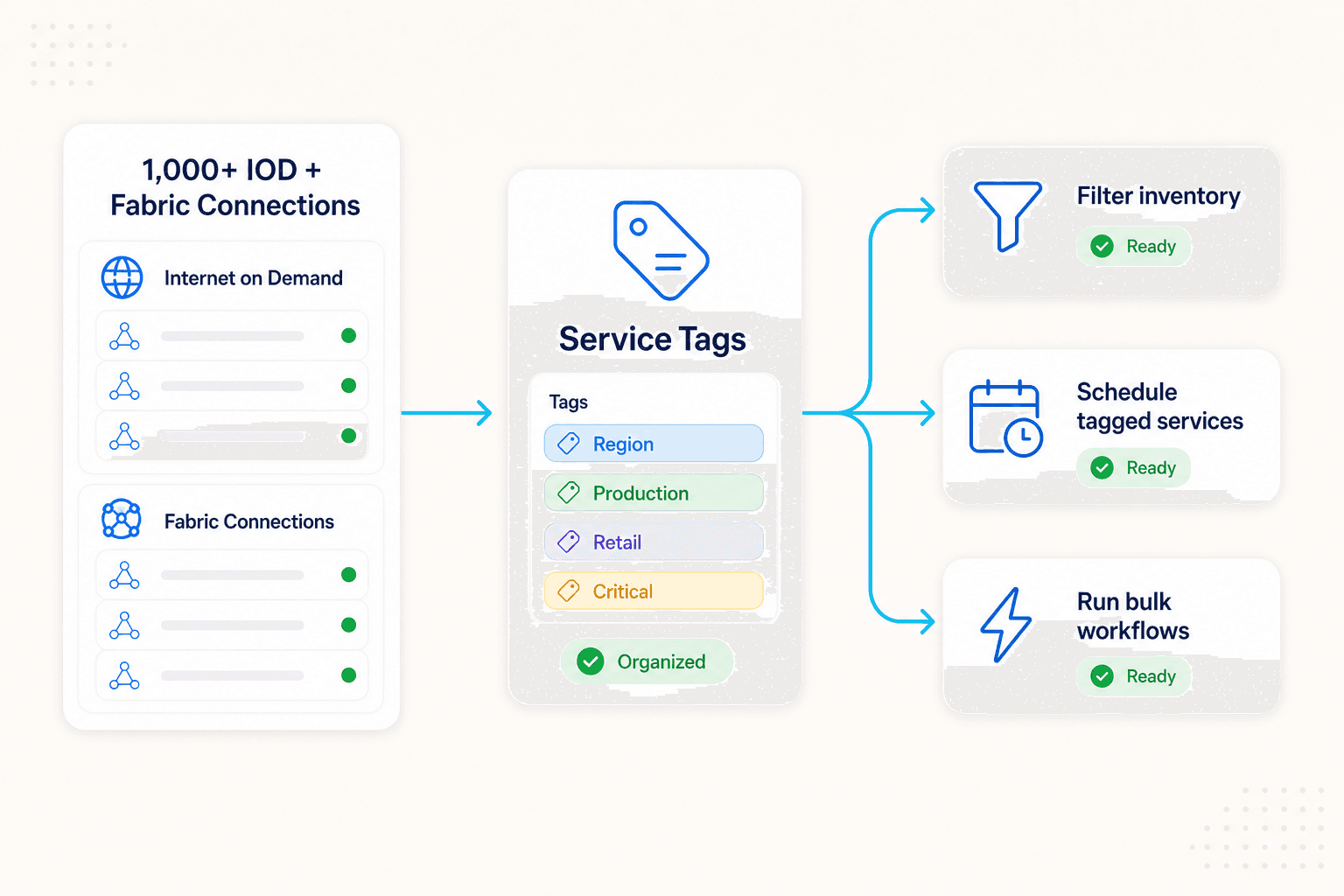
Create tags for regions, business units, environments, critical sites, data centers, project teams, or maintenance groups without changing service access controls.
Use tag filters across Internet on Demand views so operators can move from hundreds of services to the exact group they need.
Use tagged groups as the starting point for schedules, quick actions, reviews, and other repeat workflows that apply to many services at once.
Tagged schedules
Operators can use a tag as the service set for recurring Internet on Demand changes or other multi-service workflows that should follow a common operational profile.
Use cases
Tags are view and workflow metadata, not security controls. They help operations teams move faster when the service inventory is too large to manage by search alone.
Create a weekend schedule for every tagged retail location.
Filter all production services during a migration window.
Review Internet on Demand services by region, tenant team, or application owner.
Build a Quick Action for every service tagged as critical infrastructure.
Separate lab, staging, and production services without changing security policy.
Give large operators a fast way to find groups without memorizing service IDs.
Ready to organize a large NaaS inventory?
Share how your teams group services today by region, business unit, application, maintenance window, or criticality.